
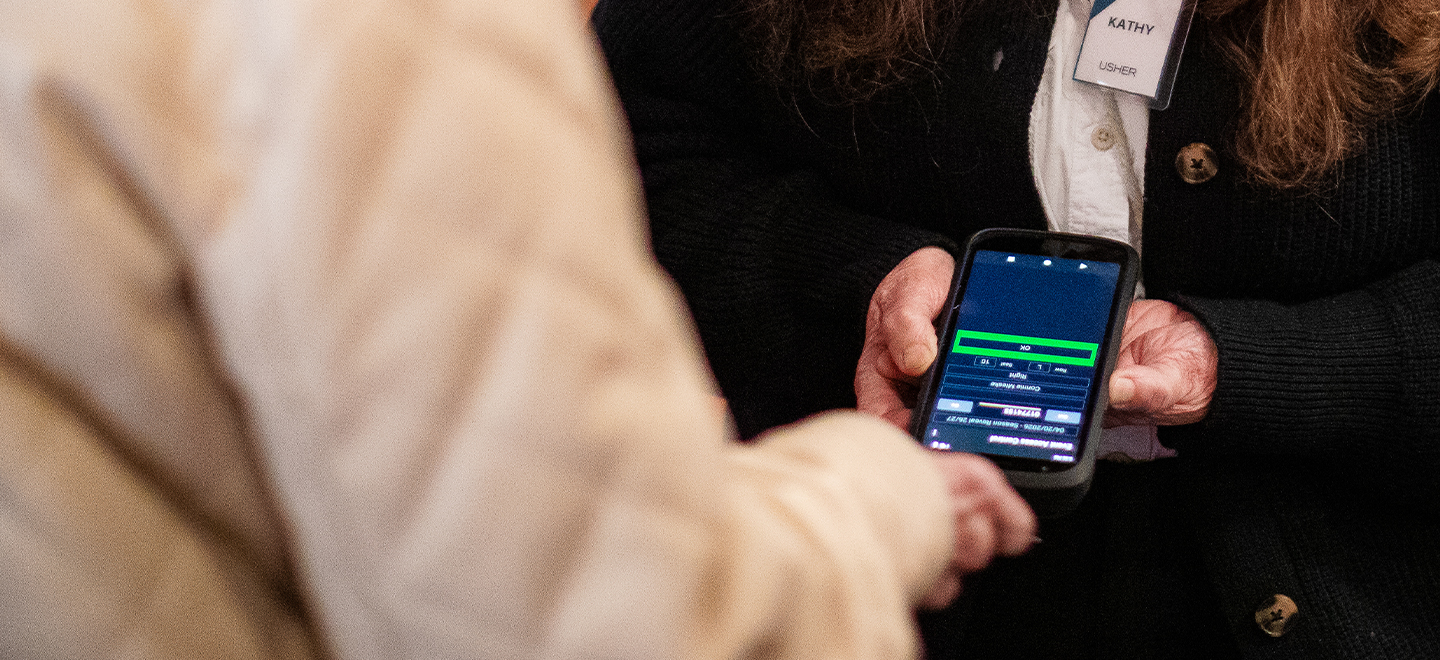
Digital Tickets
Introducing Digital Tickets
To enhance the patron experience at Midland Center for the Arts as we evolve to meet the needs of today's audiences, we're excited to introduce Digital Tickets — a secure, convenient new way to enter performances and events. This seamless and easy-to-use ticket option is made possible through the support of Storm Master Exteriors and in partnership with True Tickets.
Powered by 

How to Access Digital Tickets
When purchasing tickets for your next performance at the Center, patrons may choose Digital Tickets as their ticket delivery method. Digital Tickets can be accessed by logging into tickets.midlandcenter.org using the email address associated with your purchase.
Tickets are stored in your online wallet and can be scanned directly from your mobile device for entry at the door. For added security, the QR code will activate and become visible beginning 3 hours prior to the performance.
Digital Ticket FAQs
Using Digital Tickets
Can I print my tickets or use a screenshot?
No. To deter fraudulent ticket sales, Midland Center’s Digital Tickets use a refreshing QR code that frequently changes. Printouts of digital tickets, screenshots or tickets without a QR code will not be accepted.
Can I save my tickets to Apple or Google Wallet?
iPhone users can save their tickets to Apple Wallet, and Android users can save theirs to Google Wallet.
Why do the QR codes appear 3 hours before the performance?
Our refreshing QR code is delivered three (3) hours prior to showtime to deter fraudulent ticket sales.
Why can’t I see tickets for one of my upcoming shows once logged in?
Only tickets with a digital ticket delivery type are available in your Wallet. If your tickets are set to be picked up at Will Call or were mailed to you for delivery, they will not appear. You can see all upcoming event titles, dates and times when you log in to My Account.
I don’t have a smartphone. What are my options?
If you don’t have a smartphone, contact the Ticket Office by calling 989.631.8250 and arrange to pick up your tickets at Will Call before the performance.
What if my smartphone is out of power or I have other technical difficulties?
If you are unable to retrieve your tickets for any reason, stop by the Ticket Office before your performance.
Do you offer public Wi-Fi or should I use my cellular data?
Wi-Fi is available at Midland Center. If you have issues opening your Digital Tickets while on Wi-Fi, please disconnect from Wi-Fi and use your cellular data. If you experience cell phone connectivity issues and are unable to retrieve your tickets, stop by the Ticket Office before the performance.
What time does the Ticket Office open?
Midland Center's Ticket Office hours can be found here. The Ticket Office will open one hour prior to curtain time on performance days.
Sharing Digital Tickets
How do I share my digital tickets?
- Log in to your Digital Tickets on your mobile device and tap the performance you want to share.
- Click SHARE
- Enter your guest’s full name and select each ticket you want to share.
- Click COPY INVITE to copy your unique share link. Paste the link into a text or email and send to your guest.
- Your guest can now log in to their own Digital Ticket account to access them.
Why do my guests need their own account?
Digital tickets are only delivered through Midland Center’s secure website. Each user needs a login to access their tickets, including those that have been shared. Shared tickets are not valid until they are accepted.
How do I know if my guest has accepted the ticket that I shared?
- Once you have shared a digital ticket, you will see one of two statuses:
- Ticket Shared with (Pending) Your Guest’s Name
- Your friend has not accepted the tickets.
- As the performance approaches, you should remind your guests to check their email or text messages and accept the tickets.
- You may opt to “Share the invite again” or “Get this ticket back.”
- Tickets Accepted by Your Guest’s Name
- Success! Your guest has claimed the ticket.
- If plans have changed, you may also “Get this ticket back.”
- Ticket Shared with (Pending) Your Guest’s Name
Can I share, exchange, donate or return a digital ticket that has been shared with me?
No, tickets that have been shared cannot be donated, exchanged or reshared. If you can no longer attend, select “Return this ticket to sender” to return the ticket to the original purchaser, so it can be shared again, exchanged or donated.
I lost the email/text for my transferred tickets. What do I do?
If you cannot locate your digital tickets, you may ask the sender to resend the invitation. To do so, they will need to log in to their wallet and click Share This Invite Again. If you don’t receive them, ask them to send them in a different format. Tickets can be sent by email and text. If you still cannot locate them and you believe you accepted them by creating an account, contact the Ticket Office or visit before your performance for assistance.